Custom (ALPHA)
Responsive Widgets are in alpha and available by invitation only on Business and Enterprise plans. Behavior and properties may change. To request access, open a support ticket and name the feature Responsive Widgets (ALPHA).
The Custom widget lets you build a widget with your own HTML, CSS, and JavaScript. You pass app data to it through a model, and it can trigger events that run Appsmith actions. Use it when no built-in widget fits your need.
Your code runs in a sandboxed frame that is kept apart from the app page. An instance administrator can turn this sandbox off with the APPSMITH_DISABLE_IFRAME_WIDGET_SANDBOX setting. Your code then runs with the same access as the app, so only use code you trust.
On air-gapped instances, the Custom widget is hidden from the widget list.
Widget type: WDS_CUSTOM_WIDGET
Content properties
These properties appear in the Content tab of the property pane.
Widget
Edit source
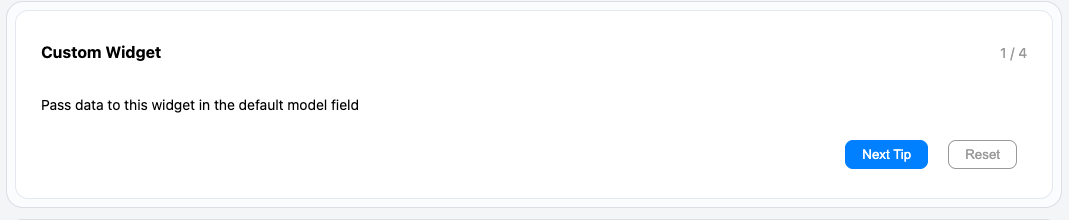
Opens the source editor, where you add your own HTML, CSS, and JavaScript. New widgets start with a sample app.
Default Model
Default model object
Sets the data that the widget code can read. In your JavaScript, read it with appsmith.model. In CSS, read a value with var(--appsmith-model-{property-name}).
Example:
{{ { "orders": getOrders.data } }}
General
Visible boolean
Controls whether the widget is visible. Default: on.
Events
Add Event
Adds a named event. Each event gets its own action field in this section. You can rename and delete events. To run an event from your JavaScript, call appsmith.triggerEvent('eventName').
New widgets have one event, onResetClick. It shows the alert Successfully reset!!.
Style properties
These properties appear in the Style tab of the property pane.
General
Height string
Sets the height of the widget. Options: Auto or Fit page. Default: Auto.
Values for code: AUTO, FIT_PAGE.
Reference properties
Reference properties let you read the widget's state in bindings and code, for example {{Custom1.isVisible}}. You cannot set them directly.
isVisible boolean
Shows whether the widget is visible.
Example:
{{Custom1.isVisible}}
model object
Holds the current model. It starts as Default model. The widget code can add or change keys in it.
Example:
{{Custom1.model}}
Methods
Methods let you change the widget's properties from code, for example in a JS Object.
setVisibility (param: boolean): Promise
Shows or hides the widget.
Example:
Custom1.setVisibility(false)
Events
Custom events
Each event you add in the Events section runs when the widget code calls appsmith.triggerEvent with its name. Data passed with the event is available in the action.